

📰 Curated from MacRumors
📖 Read full article→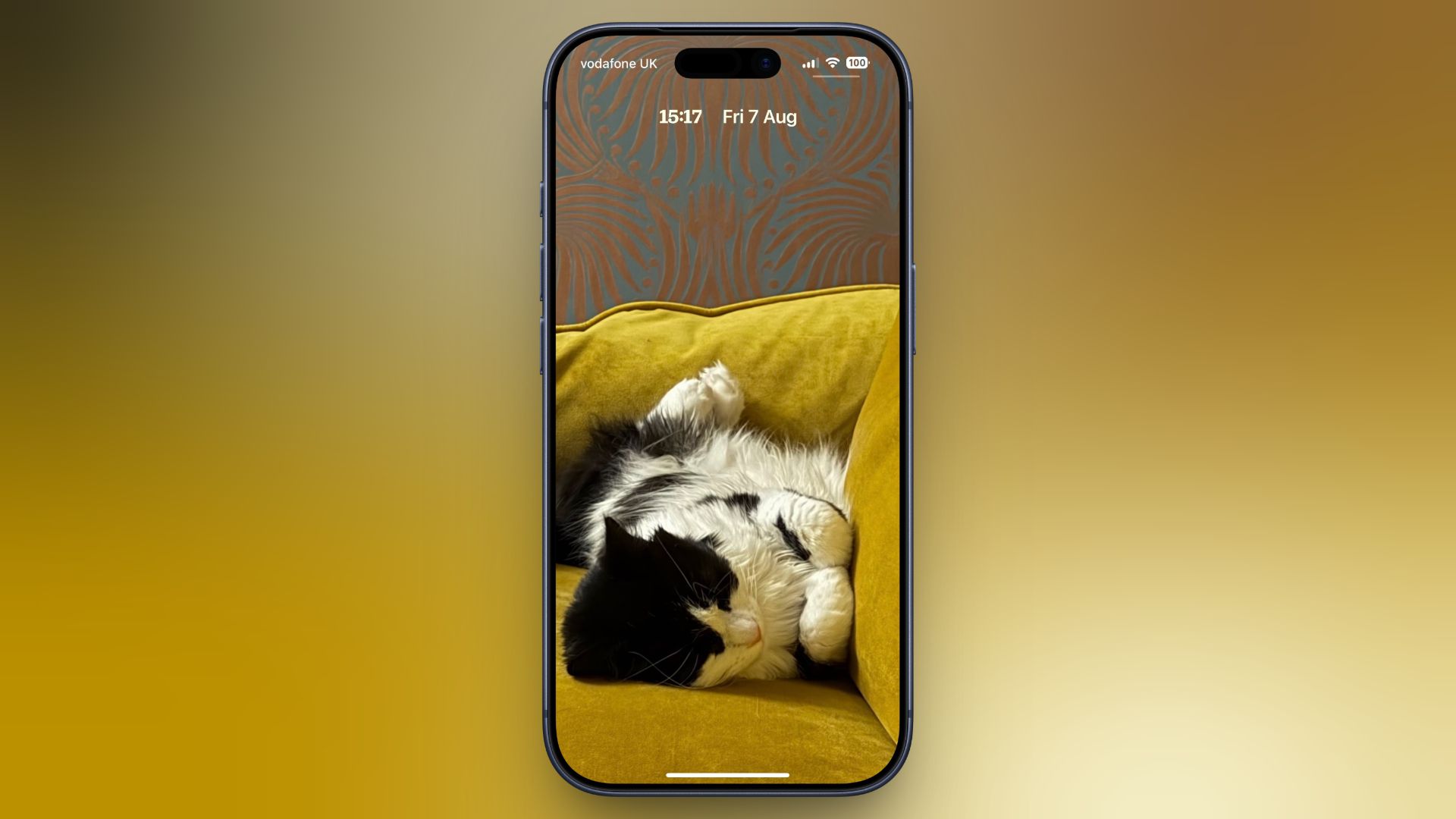
iOS 27's New Compact Clock Gives Your Wallpaper Room to Breathe - MacRumors
Technology and ScienceBy Tim Hardwick8/7/20261 min read
In iOS 26, Apple let you stretch the Lock Screen clock down your iPhone's display until it dwarfed everything else. In iOS 27, Apple has a new clock option that does the opposite, with the introduction of a compact mode that shrinks the time to roughly the si…
✨ Key Highlights
- iOS 27 introduces a new compact clock mode for the Lock Screen, shrinking the time to roughly the size of the date and positioning it in the top row of the display.
- The feature reverses the direction of iOS 26, which had allowed users to enlarge the clock so it dominated the screen, and instead lets more of the wallpaper show unobstructed.
- To enable it, users touch and hold the Lock Screen, tap Customize, open the Font & Color panel, and tap the new two-horizontal-bars icon in the top-right corner; tapping the icon again reverts the change.
- The clock adjusts instantly so users can preview the look against their wallpaper before selecting Done to save.
- Compact mode retains existing customizations such as font, weight, and color, but removes access to the Liquid Glass slider.
- The setting applies per individual Lock Screen rather than globally, allowing different configurations across wallpapers and Focus modes; iOS 27 is currently in public beta with general availability expected in September.
In iOS 26, Apple let you stretch the Lock Screen clock down your iPhone's display until it dwarfed everything else. In iOS 27, Apple has a new clock option that does the opposite, with the introducti